Videohub Remote
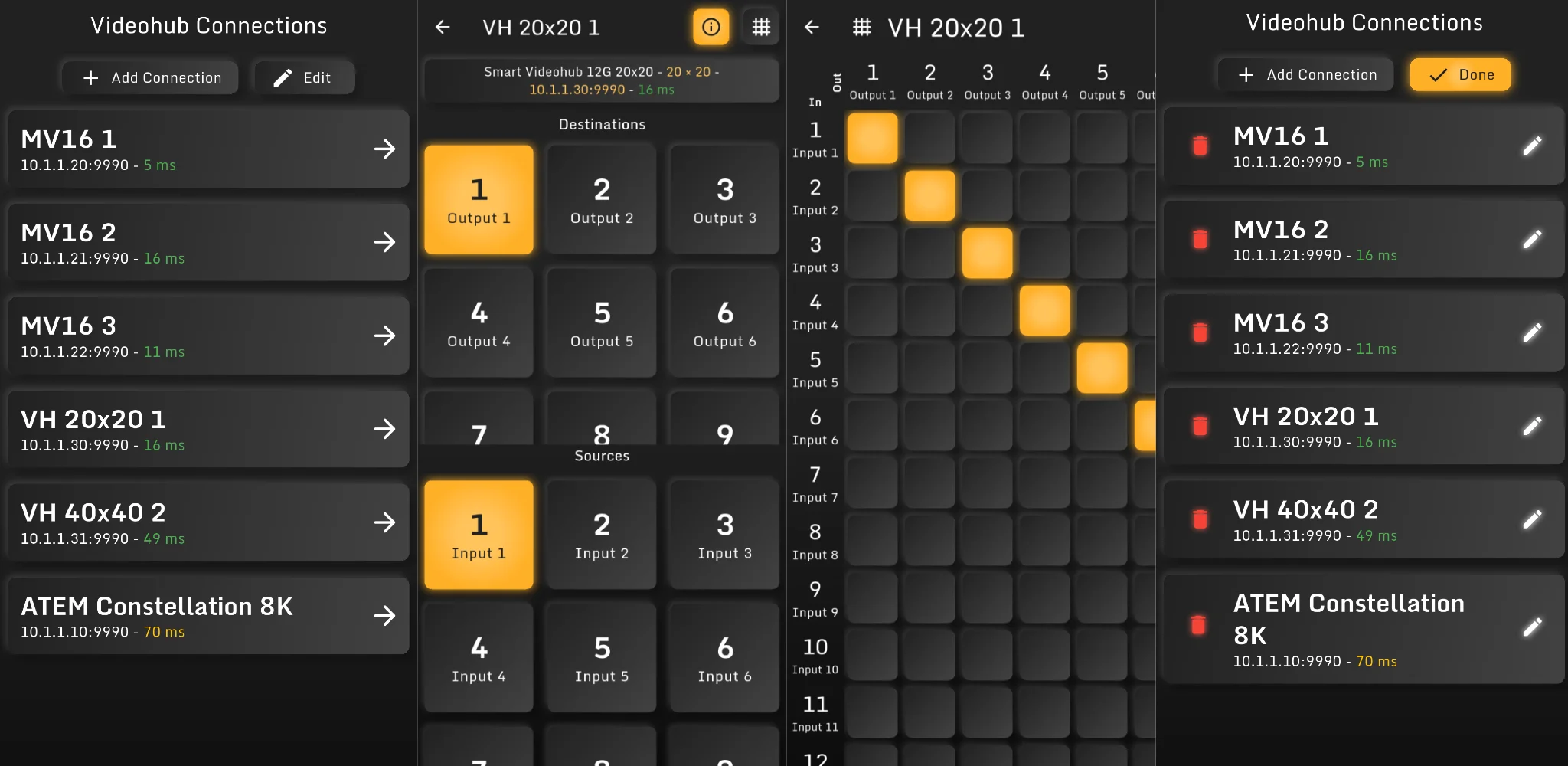
Videohub Remote is a lightweight Android remote control app for Blackmagic Design Videohub routers, MultiView devices and ATEM switchers.
It is designed for local network control, so your phone or tablet connects directly to your video hardware via TCP in your LAN or WiFi network. No external server is required.
Visit the Videohub Remote homepage

Videohub Remote communicates directly with your devices on the local network. Make sure your Android device is connected to the same LAN or WiFi network as your Blackmagic Design hardware and that the device IP address is reachable from your phone or tablet.
Overview
Videohub Remote helps you quickly connect to your video devices, manage multiple saved connections and route signals from sources to destinations.
The app currently supports:
- Saving multiple device connections
- Automatic device name retrieval
- Custom connection names
- Network status / ping display
- Renaming and deleting saved connections
- Routing sources to destinations
- Routing via a matrix view
- Renaming sources and destinations by long-pressing them
- Changing MultiView configuration options such as layout, solo, audio meters, borders, labels and tally
Supported Devices
Videohub Remote is built for controlling Blackmagic Design devices that expose TCP-based control protocols, including:
- Blackmagic Design Videohub routers
- Blackmagic Design MultiView devices
- Blackmagic Design ATEM switchers
The app is not affiliated with, endorsed by or sponsored by Blackmagic Design.
Local Network Control
Videohub Remote does not require an internet connection or cloud account. The app connects directly to your configured device IP address over TCP.
Typical setups include:
- Phone connected via WiFi
- Video router connected via Ethernet
- Both devices on the same LAN
- Optional access through your own VPN or routed production network
This makes the app useful in studios, control rooms, OB setups, live production environments and small video installations.
The app can only connect to devices that are reachable from your Android device. If a connection fails, check WiFi, IP address, subnet, firewall and device control settings.
Adding a Connection
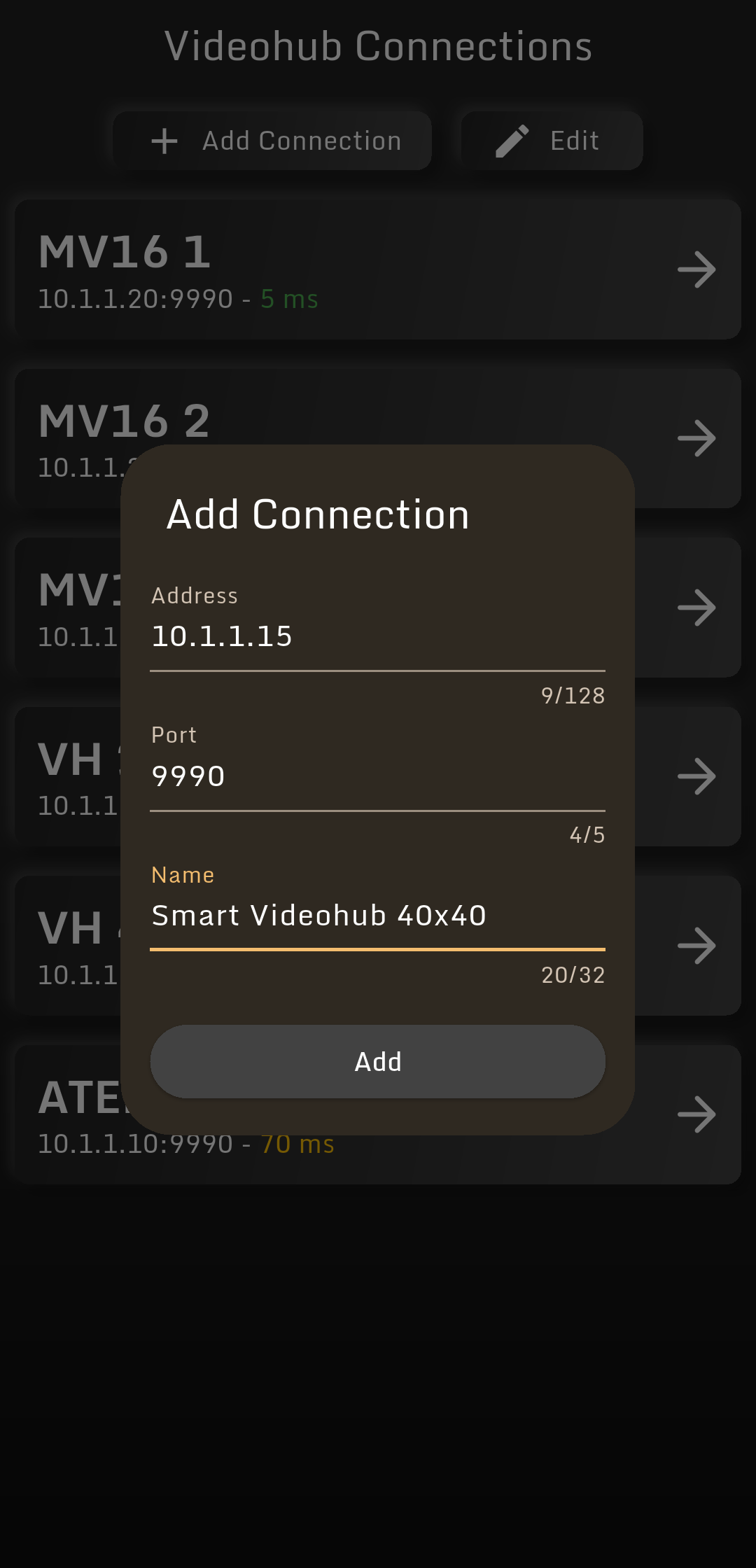
To start using the app, add a connection to your Videohub, MultiView or ATEM device.
Enter the device IP address or hostname and configure the connection. Videohub Remote can automatically retrieve the device name when supported by the device. You can also set your own custom name.
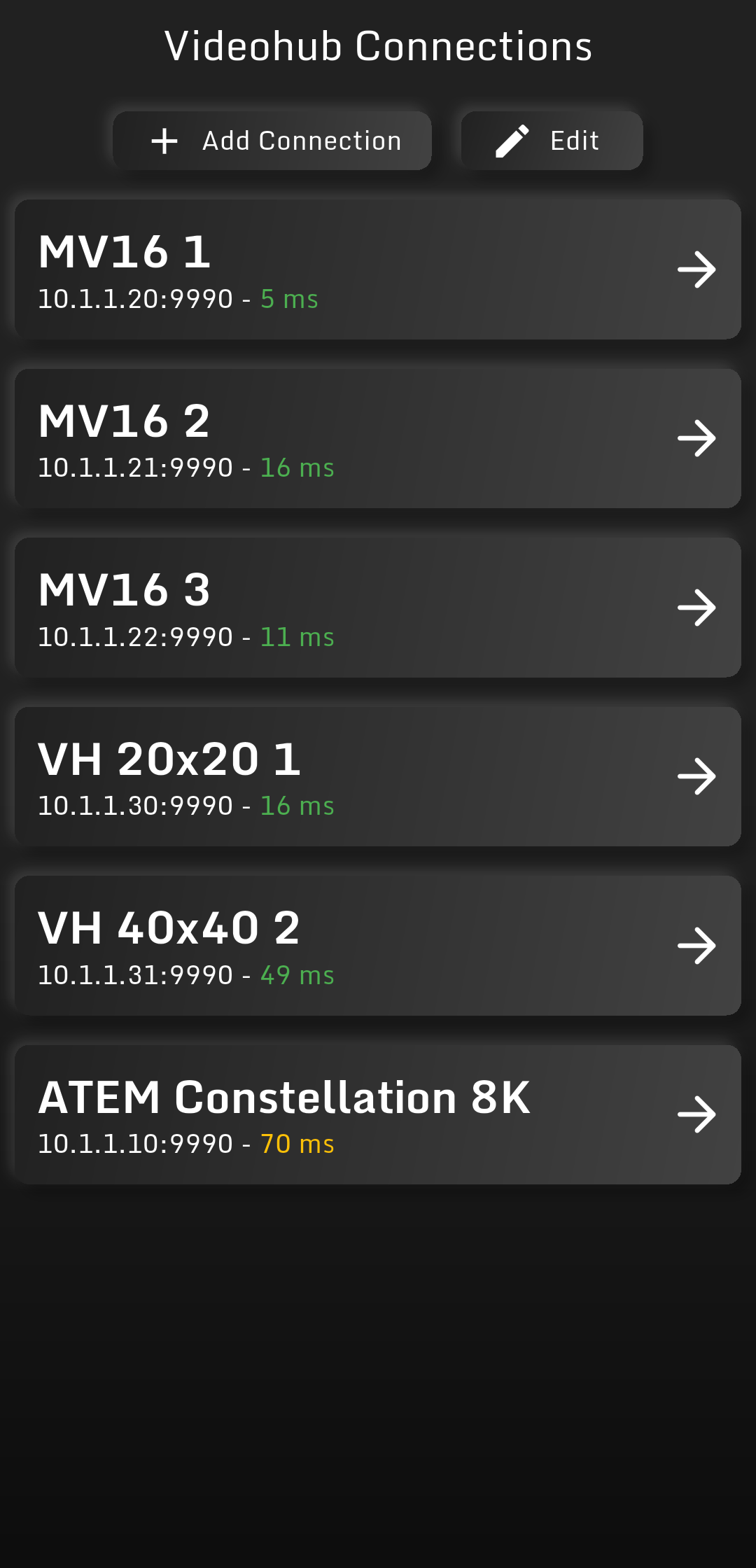
Once saved, the device appears in your connection list.
Managing Connections
Saved connections can be renamed or deleted directly from the app.
This is useful when working with multiple routers, production rooms or test devices.
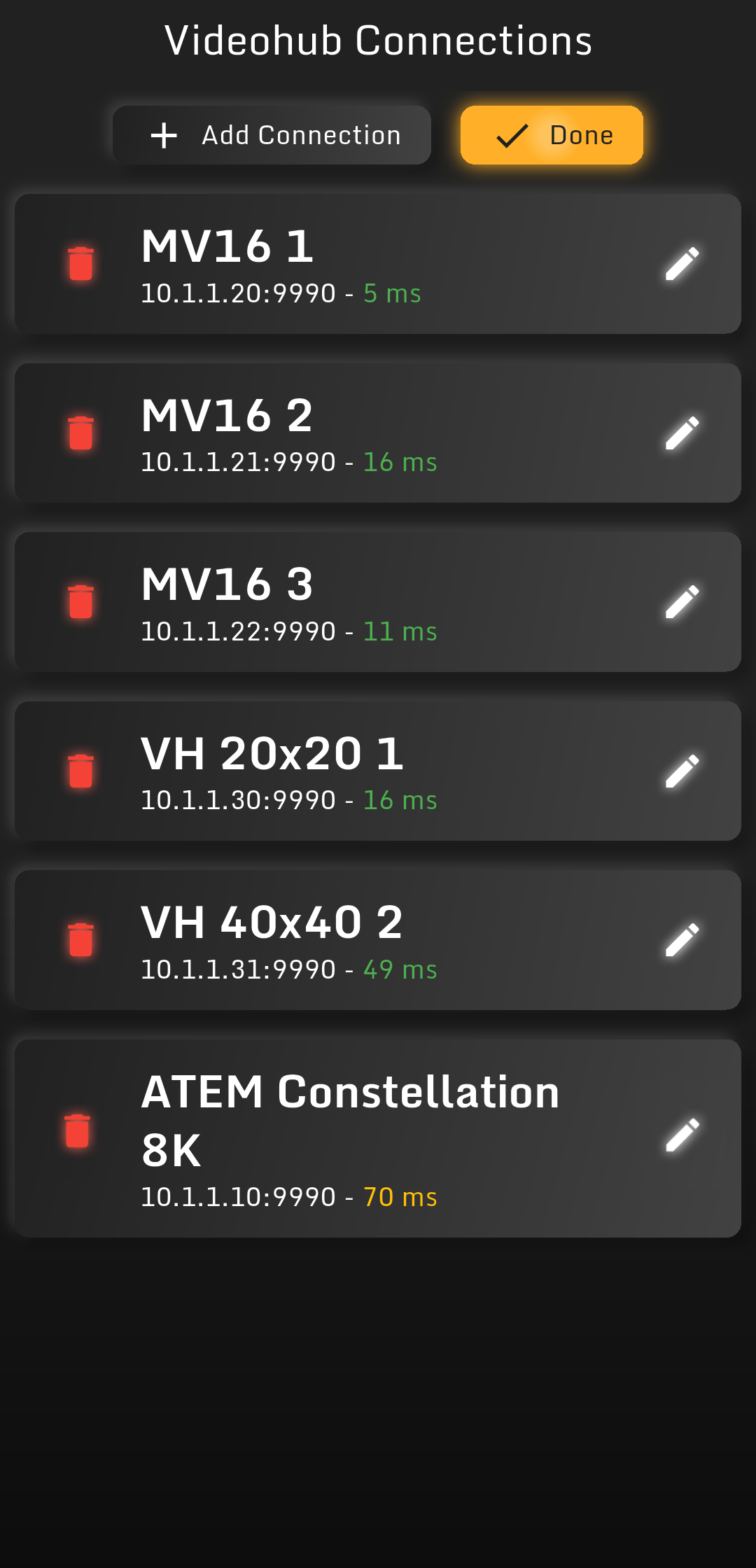
You can rename a connection to make it easier to identify.
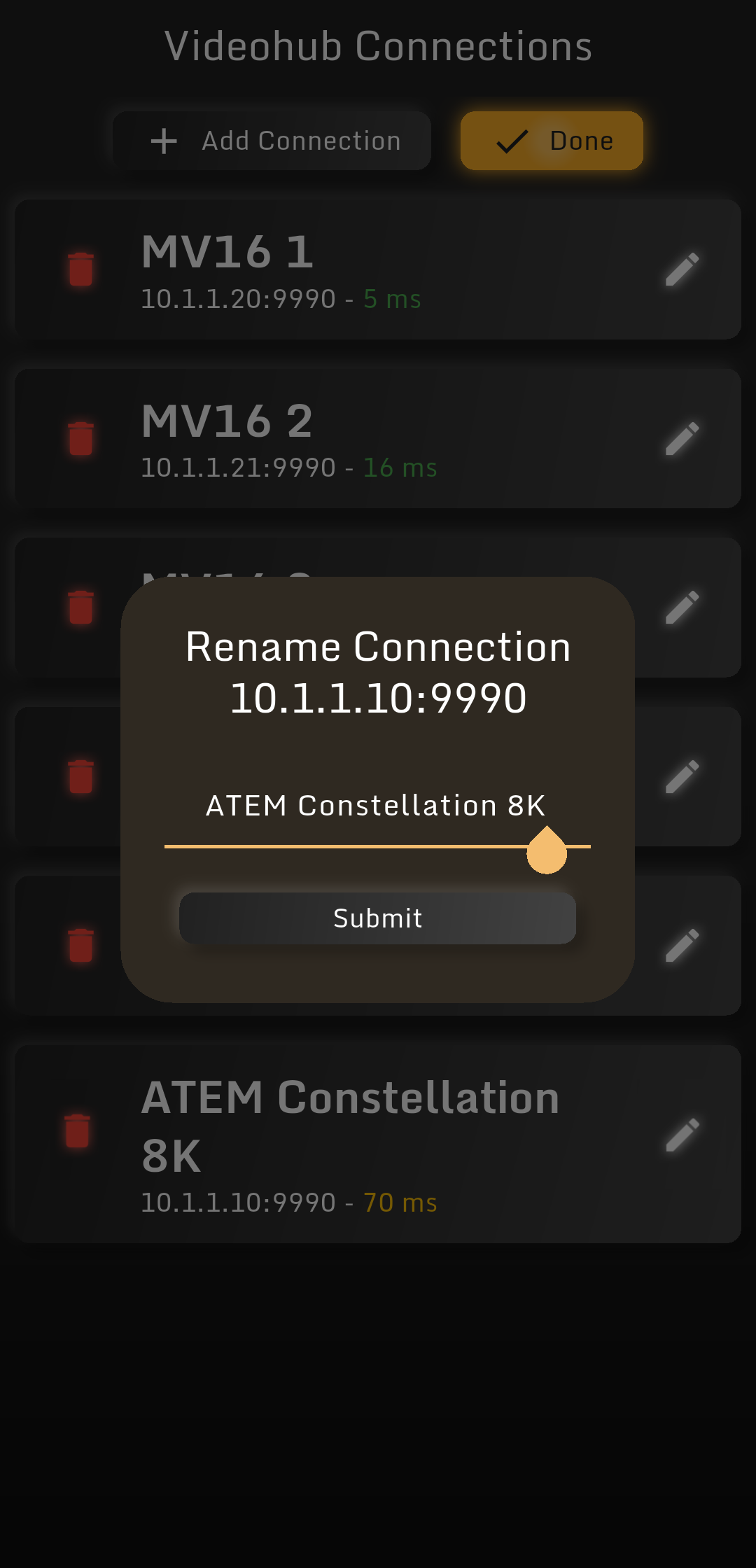
Connection entries also show basic network status information, such as the device response / ping, so you can quickly see whether the device is reachable.
Routing Sources to Destinations
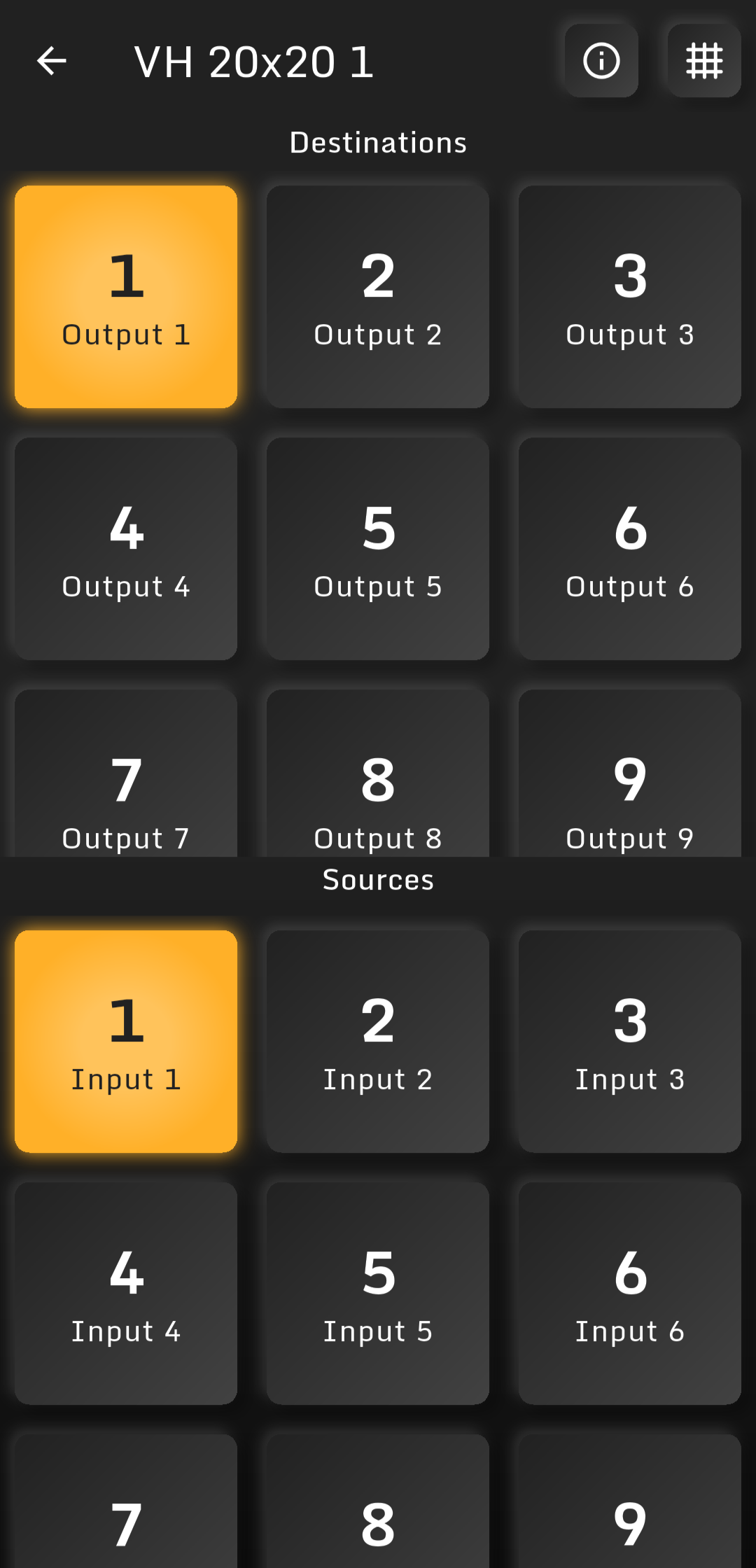
The main routing view allows you to route a source to a destination using a simple two-step workflow:
- Select the destination you want to change
- Select the source you want to route to that destination
This makes routing quick and easy on a phone screen.
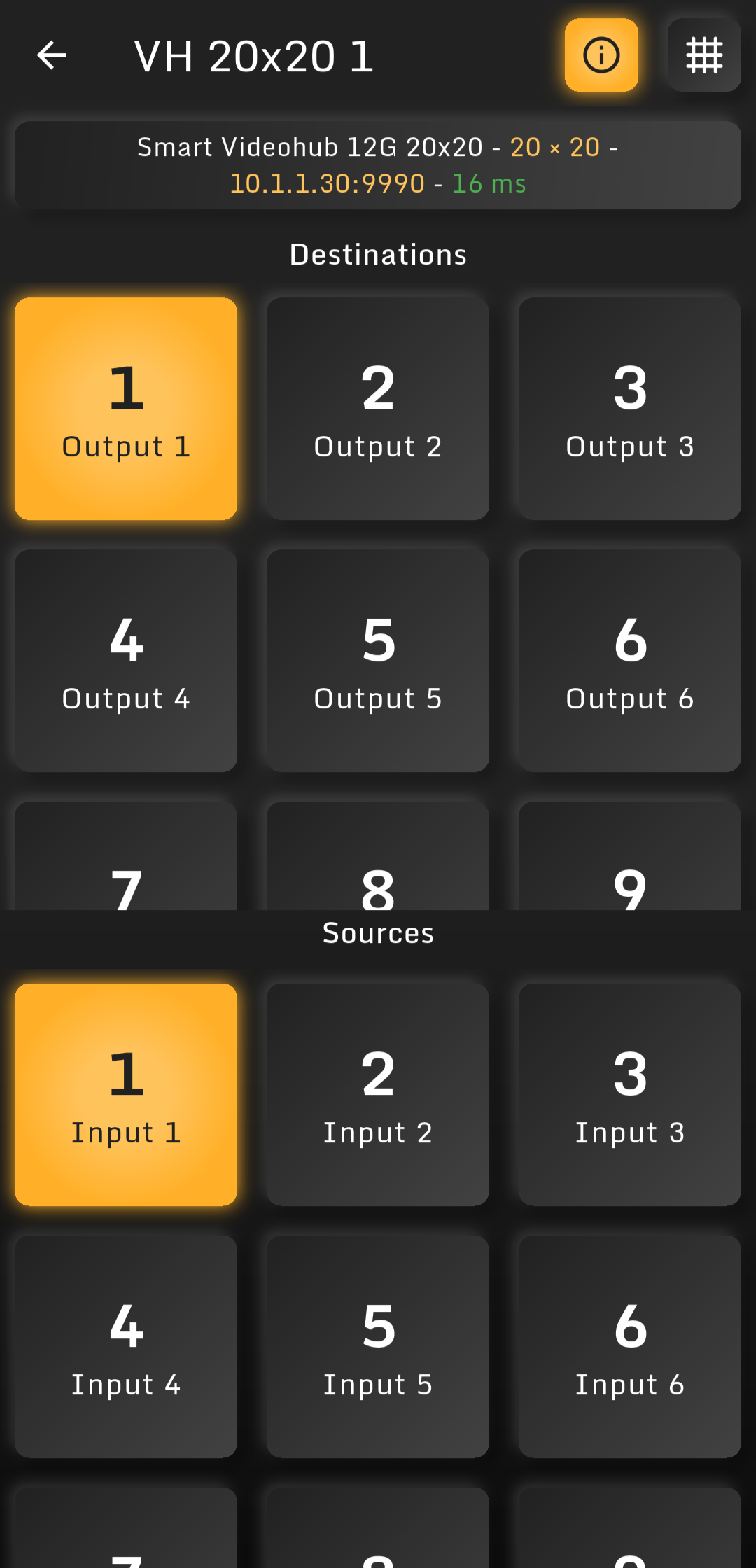
The routing info view gives you a clearer overview of the currently selected route and device state.
Renaming Sources and Destinations
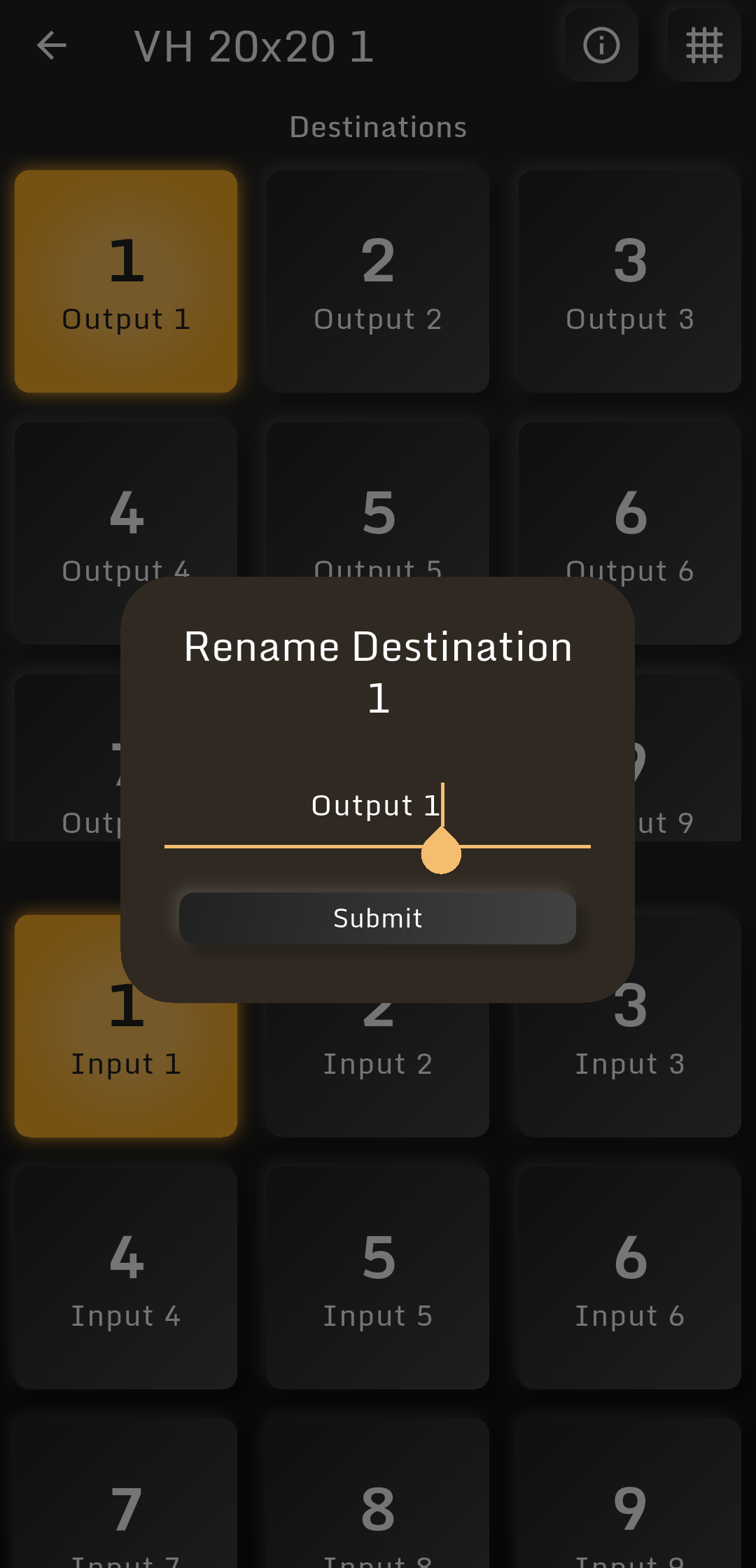
Sources and destinations can be renamed by long-pressing them.
This is helpful if your device labels are missing, too technical or not ideal for your production workflow.
Routing Matrix
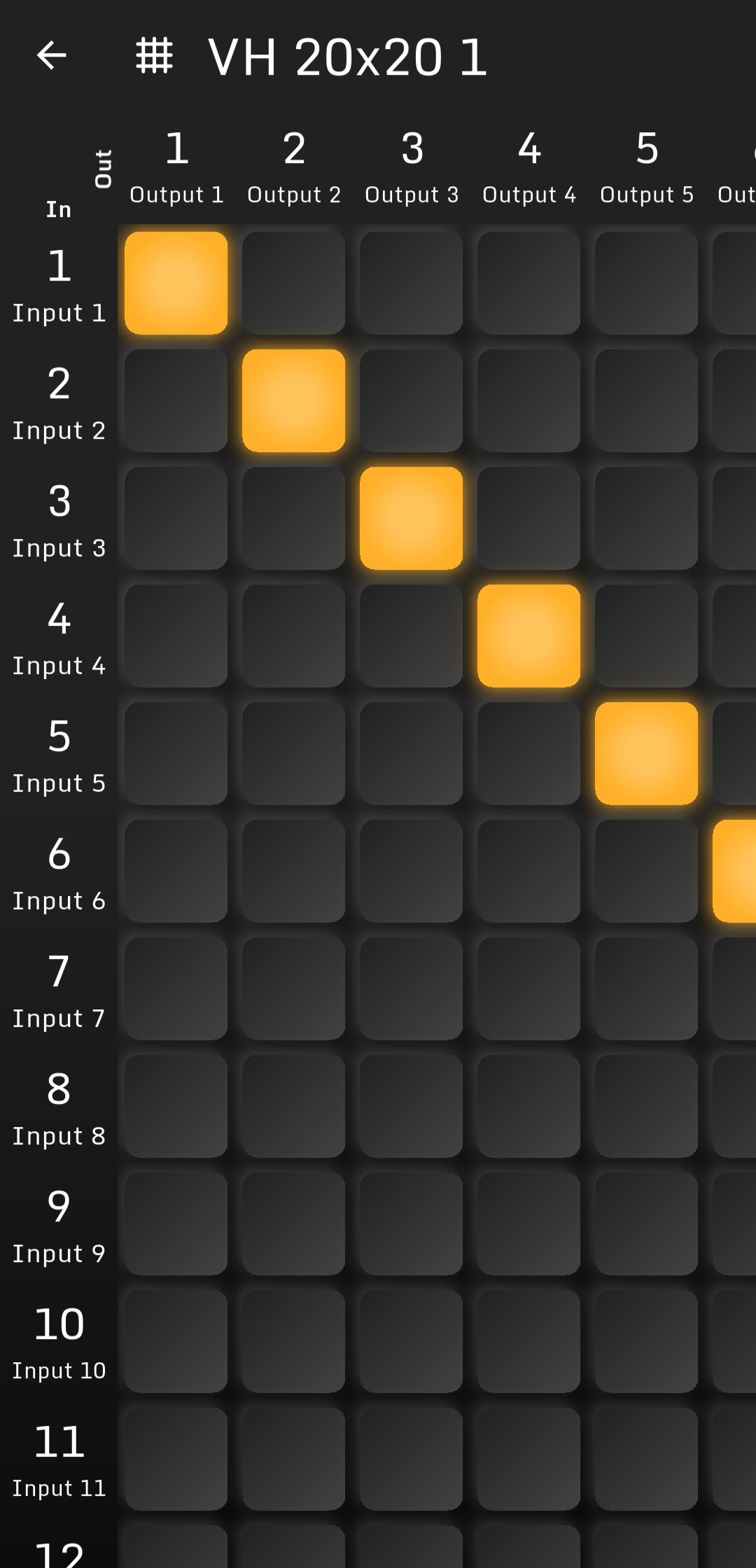
For users who prefer a classic router-style interface, Videohub Remote also includes a routing matrix view.
The matrix gives you a compact overview of sources and destinations and allows direct routing from a grid-based interface.
Be careful when changing routes during a live production. Routing changes are sent directly to the connected device.
MultiView Control
Videohub Remote can also change supported MultiView configuration options, including:
- Layout
- Solo mode
- Audio meters
- Borders
- Labels
- Tally display
This allows quick changes from your Android device without needing to open a desktop control application.
Privacy
Videohub Remote is designed for local device control.
The app:
- Does not connect to external internet servers
- Does not collect usage analytics
- Does not send crash reports
- Does not require a user account
- Does not upload your configuration to the cloud
Your saved connections and custom labels are stored locally on your device.
This privacy-focused design means that your data stays on your device and is not shared with the developer, third parties, advertisers, analytics providers or external services. If you require support or experience issues with the app, please contact the developer directly with details about your device, connection and issue. You can find the contact information on the app’s play store listing or on the Videohub Remote homepage.
Planned Features
More features are planned for future updates, including:
- Routing presets
- Saved button views
- Additional workflow improvements
Download
Videohub Remote is available for Android.
Use it to control your Blackmagic Design Videohub, MultiView or ATEM devices directly from your phone or tablet over your local network or WiFi.
Visit the Videohub Remote homepage